

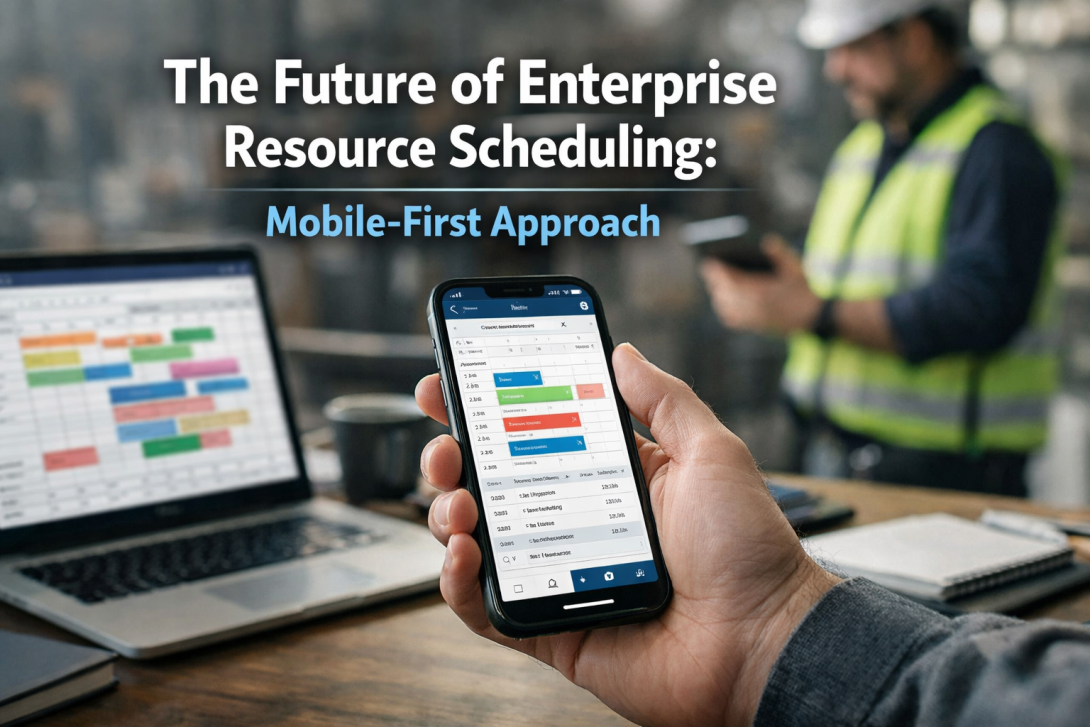
Resource scheduling has never been complicated in theory. It is the ongoing effort to balance people, projects, plans, and the occasional curveball.
The objective has always been clear. The approach finally caught up. Workforces are more scattered, decisions are made faster than Loki’s schemes, and scheduling no longer lives on desktop screens or meeting rooms. Teams want answers ASAP.
This shift is setting many organizations on a mobile-first approach. Resource management software such as eResource Scheduler launched its enterprise resource scheduling app.
Why is Enterprise Resource Scheduling moving to a Mobile-First Approach?
Staffing issues do not wait for managers to settle in with a laptop. They show up mid-meeting, mid-call, or mid-coffee. A mobile-first approach supports that reality by offering:
- Immediate visibility into who is available and who is overloaded
- Faster approvals when plans need to change
- Fewer delays caused by waiting for end-of-day updates
For many leaders, this shift has less to do with technology trends and more to do with reducing operational drag. When scheduling tools fit into how people actually work, adoption improves naturally.
What does Mobile-First Enterprise Scheduling really mean?
Mobile-first does not mean ‘mobile-only.’ It means designing the experience around smaller screens, quick actions, and clarity.
Desktop still plays a role in deeper planning and reporting. Mobile just got promoted as the fastest way to stay aligned.
At its core, enterprise scheduling on mobile focuses on three priorities:
What leaders expect from mobile scheduling tools?
Leaders want high-level clarity without peeling through layers of data. They care about questions like:
- Are critical projects staffed correctly right now?
- Where do we risk burnout or underuse?
- What needs my approval today?
A well-designed mobile experience surfaces those answers without forcing managers to analyze spreadsheets on a phone.
How do teams interact with schedules on the go?
Mobile access reduces back-and-forth. Assignment updates and logging hours can happen within minutes, not eternities later. This improves data accuracy, which directly affects forecasting and planning.
How does a Mobile-First Approach change planning behavior?
A less obvious benefit of mobile scheduling is how people behave. Put the right information within reach, and it starts getting used. Decision-making follows suit.
Managers can:
- Spot capacity issues earlier
- Adjust workloads before deadlines slip
- Have more informed conversations during stand-ups
Over time, planning stops feeling like a weekly episode and starts running like a continuous series.
Where Accessibility improves across Projects and Roles?
Mobile-first design helps by presenting an easy-to-scan view, providing clear visibility into people, projects, and capacity, focusing on showing the right information at the right time. This includes:
- A single dashboard view of assignments across projects
- Timesheets that reflect actual effort versus planned work
- Management reports that connect capacity, utilization, and financials
When this information is accessible on mobile, leaders are less dependent on static reports and more confident in real-time decisions.
How does eResource Scheduler fit into this shift?
eResource Scheduler’s mobile app supports resource scheduling and planning by providing managers a clear view of workloads across multiple projects, even when they are away from their desks or between meetings.
The platform brings together timesheets, financials, management reports, and capacity planning in a connected view. For organizations evaluating a resource management mobile app, mobile access often becomes the tipping point.
Teams spend less time chasing behind updates when critical insights are available wherever work happens, and more time making informed decisions, especially in hybrid and remote setups.
When does Mobile-First Scheduling become a Competitive Advantage?
The impact of Mobile-first scheduling depends on team culture, leadership habits, and how well the tool fits existing workflows. Think of it as Iron Man’s suit. It makes smart teams more effective, but it does not replace judgment or leadership.
Organizations that adopt it thoughtfully see faster response times and better alignment between planning and execution.
Being able to reassign work quickly, approve changes without delay, and keep plans current can influence delivery timelines and client satisfaction.
When Planning Finally Keeps Pace With Work
Mobile-first design recognizes that leadership decisions do not always happen at a desk. When scheduling tools respect that reality, planning becomes more relevant, timely, and actionable.
Book a demo with eResource Scheduler to see how mobile-first scheduling can support your team’s daily decisions.
Frequently Asked Questions
1. What is mobile-first enterprise resource scheduling?
Mobile-first enterprise resource scheduling prioritizes access and usability on phones and tablets without removing desktop depth. It allows managers and teams to view schedules, approve changes, and check capacity in real time.
2. Why are enterprises moving away from desktop-only scheduling tools?
Desktop-only tools limit responsiveness when leaders are in meetings or working remotely. Mobile access reduces delays by keeping schedules, approvals, and updates available throughout the day. For many organizations, this shift reflects how work actually happens now.
3. How does mobile scheduling affect forecasting accuracy?
Mobile access encourages timely timesheet entries and schedule updates, which improve comparisons between planned and actual effort. Over time, this leads to more realistic forecasts and fewer surprises.
4. Is a mobile-first approach suitable for large organizations?
Mobile-first scheduling helps leaders manage multiple projects and distributed teams without relying on static reports. It also supports quicker alignment across departments when priorities shift.
5. Does mobile scheduling replace detailed planning sessions?
No, it complements them. Strategic planning and long-term reviews still work best on a desktop with detailed reports. Mobile scheduling supports day-to-day adjustments and visibility, helping plans stay relevant between those larger planning cycles.